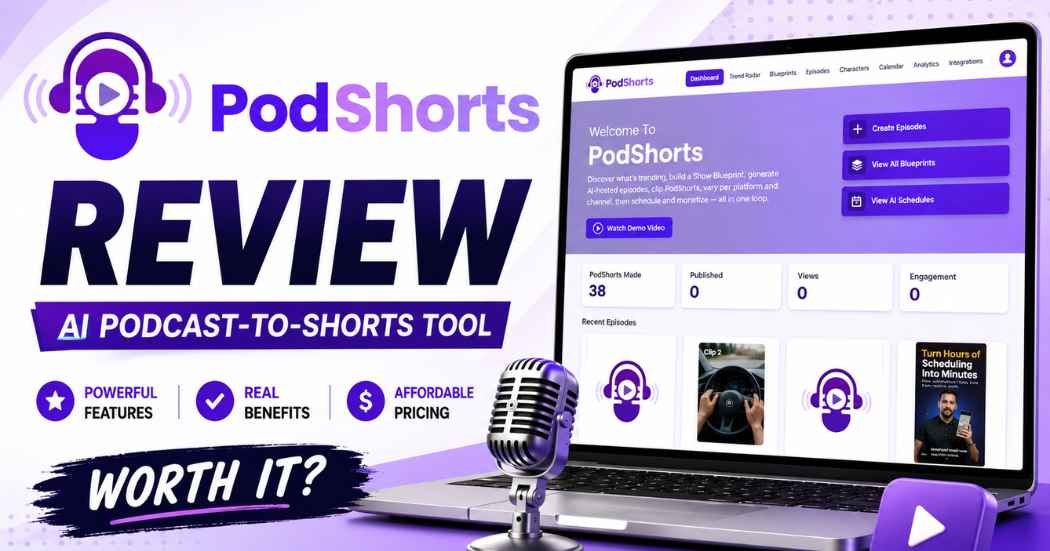
If you make content for a living, you already know the real problem. It’s not ideas. It’s turning an idea into a finished video without losing your whole afternoon to editing. That’s the gap PodShorts is trying to close. This PodShorts review looks at whether it actually closes that gap, or just adds one more tab to your browser.
I went through the platform’s dashboard, Trend Radar, Blueprints, Episodes, Characters, and Analytics sections. I wanted to see how the workflow fits together, and where it might fall short. I haven’t run this tool with a live audience for months. What follows is based on the platform’s own interface, its feature set, and its offer details. I’ll flag anywhere a claim can’t be checked directly.
Quick take: PodShorts is an ambitious all-in-one tool. It turns podcast-style content into short clips at scale. It fits people who already publish regularly better than someone who wants to make one video and move on.
Quick Verdict (TL;DR)
Category | Rating |
Ease of Use | 4.5/5 |
Content Research | 5/5 |
AI Content Creation | 4.5/5 |
Short-Form Workflow | 4.5/5 |
Automation | 4/5 |
Analytics | 4/5 |
Beginner Friendly | 4/5 |
Overall | 4.5/5 |
Best for: content creators, affiliate marketers, faceless channel owners, podcasters, and agencies running more than one channel.
Not a great fit: someone who wants to make an occasional video and skip any research or automation step.
What Is PodShorts, Exactly?
PodShorts is built around one idea. Don’t edit every video from a blank timeline. Start from research instead. You search for trends. You study how good videos are put together. Then you generate an AI-hosted episode and cut it into short clips for social platforms.
The dashboard has eight areas: Dashboard, Trend Radar, Blueprints, Episodes, Characters, Calendar, Analytics, and Integrations. That’s more than most “AI video generator” tools offer. It’s why people compare PodShorts to a full production system rather than a single app.
One feature stands out on its own: AI characters. You can build a host from scratch, or upload your own image. Then you pair it with a voice and a tone. That matters if you run a faceless channel, or several channels, and don’t want to be on camera every time.
My Personal Experience & Proof
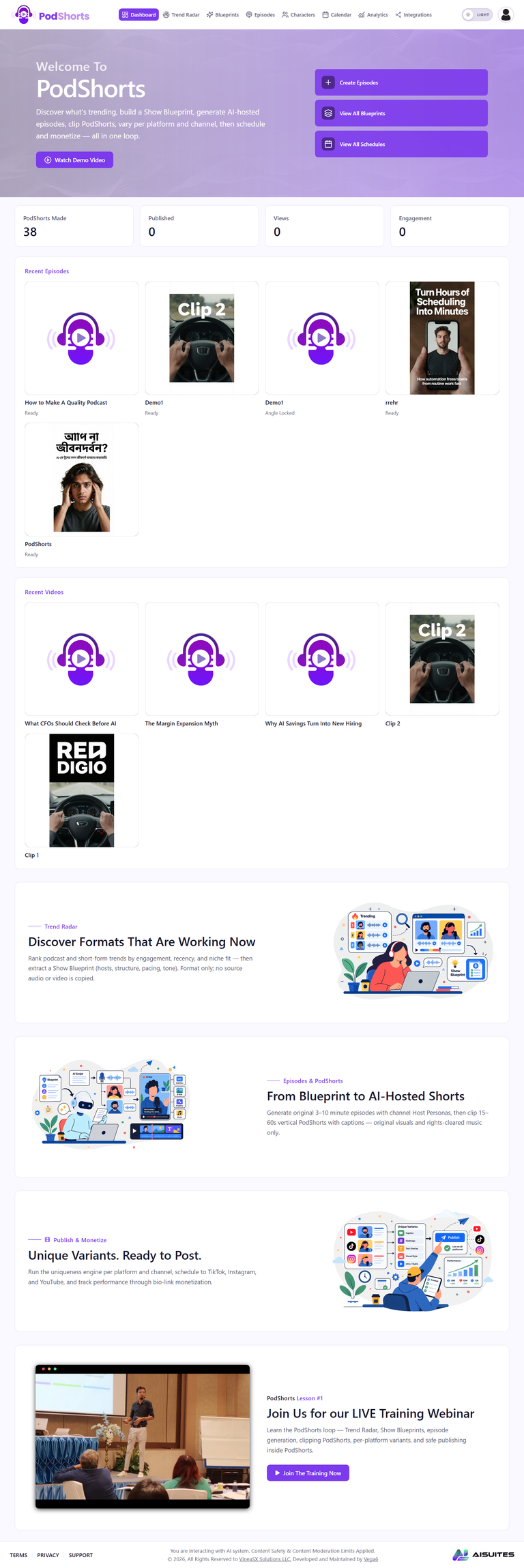
This part of the PodShorts review covers what I actually saw in the platform. I reviewed the dashboard screens and workflow directly. I didn’t just read the sales page. A few things stood out.
The Episodes dashboard lists every episode you’ve built. It shows hosts, voice type, target market, status, and creation date. That’s a practical way to track a growing library once you’re making more than a few videos a month.
Trend Radar lets you narrow a search by trend name, niche, country, language, and keywords. That’s more control than most trend tools give you. It’s built for people who publish to a specific market, not a general audience.
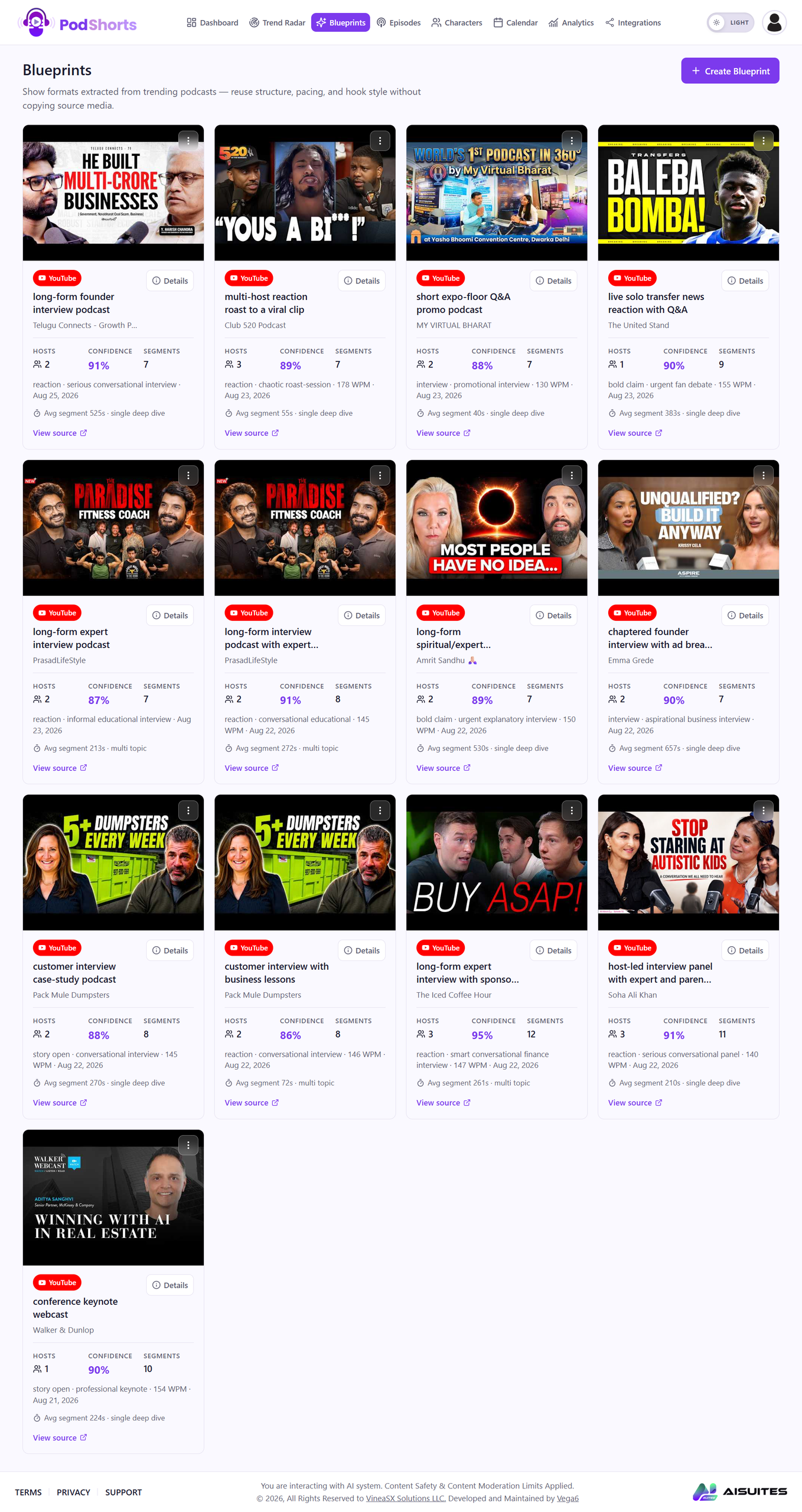
Blueprints goes further. It breaks down trending podcast and video content. It shows you the structure behind it: number of hosts, a confidence score, segment count, words-per-minute pace, and overall format. You’re not copying a viral video. You’re studying its bones. Then you build something original on top.
The Analytics dashboard tracks posts, views, likes, comments, and shares. It also tracks engagement and performance by platform. One thing worth flagging: the screens I looked at showed no published data yet. So I can’t confirm those numbers hold up once real content goes live. Buyers who’ve already published through the platform would be the ones who can confirm that.
What I Checked
For this PodShorts review, I focused on the parts that decide whether a tool is actually useful day to day:
- Dashboard workflow and navigation.
- Trend discovery through Trend Radar.
- Format research through Blueprints.
- Episode creation and AI hosts.
- Character generation and voice pairing.
- The short-form clip workflow.
- Scheduling and Calendar features.
- The Analytics dashboard.
- Upgrade paths, including the Agency tier.
- Multi-platform publishing potential.
I wasn’t just checking whether PodShorts can generate a video. Most tools in this space can do that. The real question is whether it’s a full production system, or just a video generator with extra tabs.
How Does PodShorts Work?
The workflow breaks down into seven steps.
Step 1: Find a topic. Trend Radar searches by niche, country, language, and keywords. You’re not guessing what to make next.
Step 2: Study the format. Blueprints shows what’s already working in your niche. You see the hosts, the pacing, and the segment structure before you write a single line.
Step 3: Build the episode. Pick your hosts, voices, topic, and target market. PodShorts generates the episode for you.
Step 4: Cut it into clips. Longer episodes get broken into shorter pieces sized for social platforms.
Step 5: Customize per channel. Swap characters, voices, and styles to make different versions for different audiences.
Step 6: Publish and schedule. The platform handles distribution and scheduling, so you’re not stuck using a separate tool for that.
Step 7: Check the numbers. Analytics tracks views, likes, comments, shares, and engagement once your content is live.
This is a sensible order. Research first. Then production. Then distribution. Then feedback. A lot of creators skip straight to step 3 and wonder why nothing performs. This tries to fix that.
Key Features Worth a Closer Look
Trend Radar
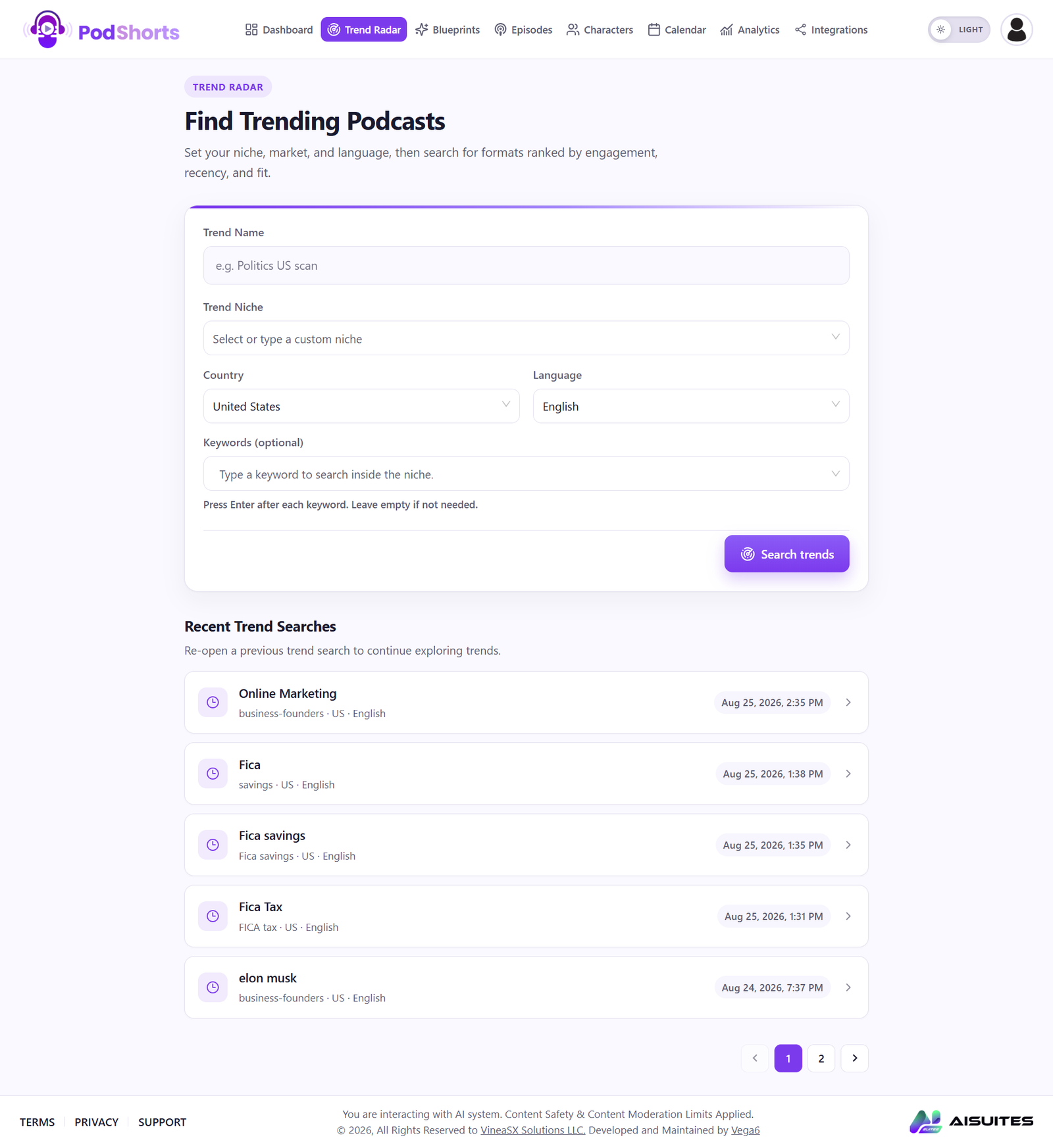
This is probably the most useful piece of the whole platform. It’s the one I’d point to first in any honest PodShorts review. Filtering trends by niche, country, language, and keyword solves a real problem: not knowing what to make next.
Blueprints
Blueprints does something most competitors skip. It shows the source platform, host count, and confidence score. It also shows segment count, average words-per-minute, format, average segment length, and the source video itself. That’s real analysis. It’s not just “here’s a trending video, go copy it.” Some creators want to understand why something works. They don’t just want to imitate it. For them, this is a real difference.
AI Characters
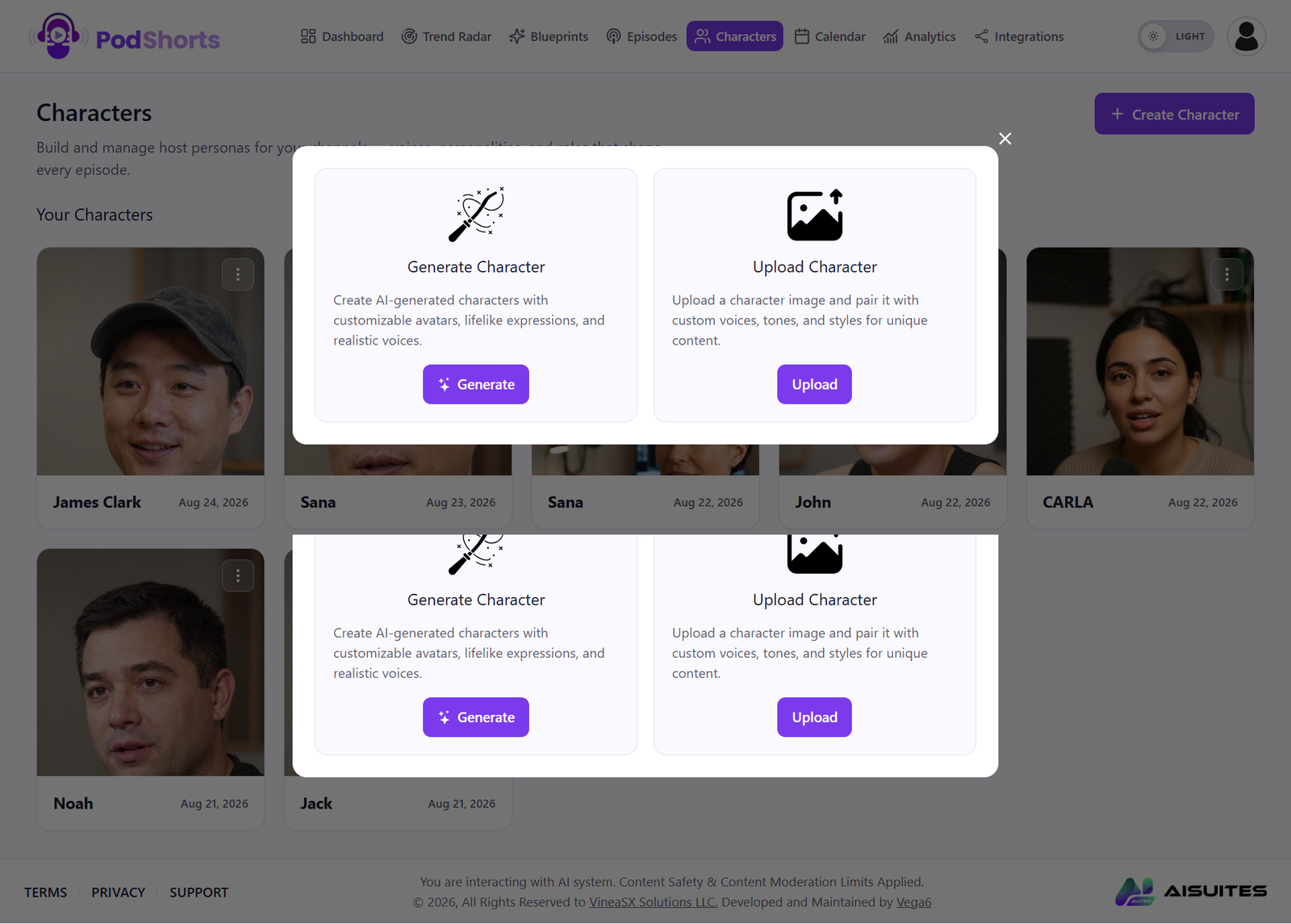
Generate a character, or upload your own. Then attach a voice, tone, and style. This helps faceless channels and educational content. It also helps news-style formats and anyone running more than one niche channel who doesn’t want to appear on camera every time.
Episode Creation
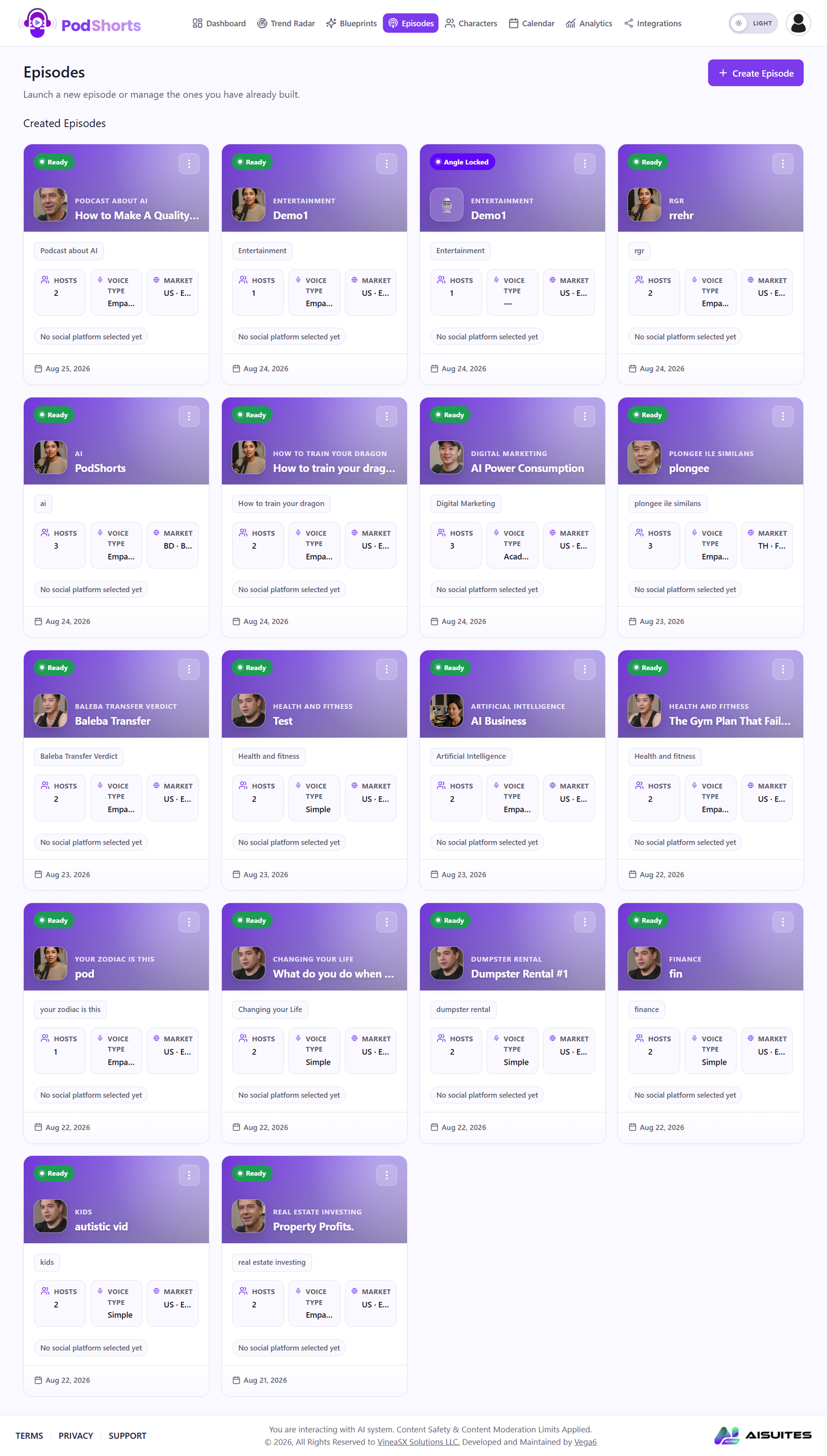
Every episode carries its topic, hosts, voice type, target market, status, and creation date. Once you’re managing dozens of episodes, that kind of organization stops being optional.
Analytics
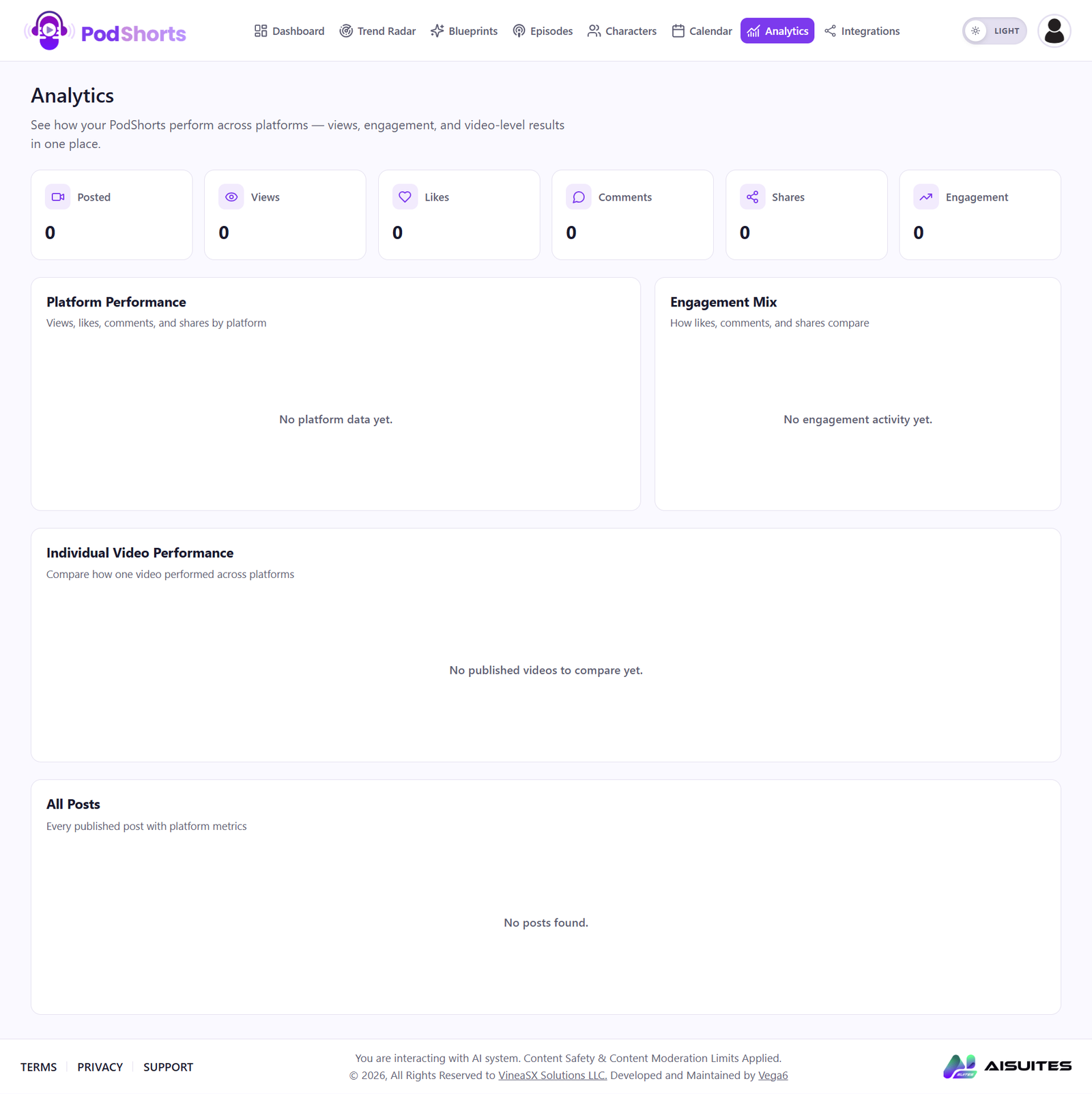
Views, likes, comments, shares, engagement, and platform-by-platform breakdowns. Making the content is only half the job. Knowing which pieces actually land is the other half. This dashboard is built for that second job.
Ease of Use and Interface
The interface follows a logical order: Dashboard, Trend Radar, Blueprints, Episodes, Characters, Calendar, Analytics, Integrations. That order roughly matches the real production workflow, which helps a lot.
The layout uses one consistent purple-and-white theme across sections. It doesn’t feel like jumping between different products. Beginners will likely need a session or two to get comfortable with everything on offer. There’s a lot here. But the navigation itself isn’t the problem.
Key Benefits
One workflow instead of five tools. Trend research, scripting, AI hosts, clip generation, scheduling, and analytics live in one place. You’re not stitching together five separate subscriptions.
Real trend research. Trend Radar gives you a starting point instead of a blank page.
AI-generated hosts. No need to be on camera to run a channel.
Built for volume. The platform is clearly built for producing many episodes and clips, not just one.
Multiple variants. The upgrade tiers add the ability to push out more versions across more channels.
Performance tracking. Analytics keeps you from guessing which content actually works.
Agency-ready. The Agency upgrade lets you sell this as a service to clients, not just use it for your own channels.
Pricing and Plans
Pricing is a big part of any honest PodShorts review, so here’s the full breakdown. Based on the offer details provided, PodShorts runs on a base offer plus several optional upgrades. All prices are in USD.
FastPass Bundle — $230/year. Bundles the upgrade path at a discount. It adds a priority render queue. It also adds a VIP onboarding session and founding member status.
PodShorts Scale — $67 (downsell $47). Built for higher-volume users. You get up to 10 channels, higher generation limits, and bulk episode creation. You also get autopilot scheduling, upgraded voice and video models, and priority rendering. This one is aimed at people running multiple channels, not a single hobby project.
PodShorts Agency — $197 (downsell $97). Client channel management, white-label features, team access, automated client reports, done-for-you proposals, a pricing calculator, outreach templates, and contracts. If you plan to sell content services, this is likely the most useful upgrade in the stack.
PodCoach AI — $97/year (downsell $67/year). An AI assistant that looks at your dashboard data. It answers questions like why a clip underperformed, which niche to focus on next, and what your next 30 episode topics should be.
PodShorts Amplify — $67 (downsell $47). Expands publishing beyond the core platforms. This includes Facebook Reels, X, LinkedIn, Pinterest, Snapchat, Threads, Reddit, Telegram, WhatsApp Channels, Tumblr, Quora, and Medium. It also adds podcast distribution. And it adds automated SEO blog generation, according to the offer copy.

OTOs and Upgrade Path
The full upgrade stack, as listed in the offer:
- FastPass Bundle — $230/year.
- DFY Show Network — $197.
- PodShorts Scale — $67 / downsell $47.
- PodShorts Agency — $197 / downsell $97.
- PodCoach AI — $97/year / downsell $67/year.
- PodShorts Amplify — $67 / downsell $47.
- Bundle Deal — $317/year.
DFY Show Network is the most hands-off option in the lineup. It includes pre-built show formats, pre-built casts, voices, visual identities, channel branding, and starter episodes. It’s a shortcut for buyers who want a full content network, not a build-it-yourself project.
Bonuses Included With the Offer
The offer bundles in a stack of training and asset bonuses. These include TikTok Shop training, YouTube growth tutorials, a faceless marketing training system, a traffic growth masterclass, an affiliate marketing training program, Facebook marketing training, an X growth and monetization masterclass, vlogging training, AI video monetization training, website speed optimization training, 4K stock background videos, email marketing training, and Amazon FBA training.
Bonus access works through email. Buyers send a message to support@vineasx.com with the subject line “Special PodShorts Bonus Request” to get their access credentials.
I’d treat these bonuses as a nice extra, not a reason to buy on their own. Some are genuinely useful, especially the affiliate and email marketing training. A few feel more like padding to make the offer look bigger than it is.
Pros and Cons
Every PodShorts review should weigh both sides, so here’s the full list.
Pros
- Trend research is built into the workflow, not bolted on.
- AI character generation for faceless channels.
- Blueprints gives real structural analysis, not just a trending list.
- Full short-form clip pipeline.
- Scheduling and Analytics live in the same platform.
- Agency and white-label option for anyone selling content services.
- Built for scale, not one-off videos.
Cons
- The full upgrade stack adds up fast if you buy everything.
- Beginners don’t need most of the OTOs on day one.
- Analytics only mean something once you’ve published content, and that takes time to build up.
- AI-generated scripts and clips still need a human pass for quality.
- Occasional creators won’t get their money’s worth from the higher tiers.
How PodShorts Compares
Feature | PodShorts | Basic AI Video Tool | Traditional Editing |
AI Characters | Yes | Sometimes | No |
Trend Research | Yes | Rare | No |
Content Blueprints | Yes | Rare | No |
AI Episodes | Yes | Sometimes | No |
Short Clips | Yes | Yes | Manual |
Scheduling | Yes | Sometimes | No |
Analytics | Yes | Sometimes | No |
Multi-Channel Workflow | Yes | Limited | Manual |
Agency Features | Yes | Rare | Manual |
Alternatives Worth Considering
There’s no shortage of AI video tools right now. What sets PodShorts apart is that it doesn’t stop at video generation. It combines trend discovery, format analysis, AI hosts, episode production, clipping, and scheduling into one system.
If all you need is a clean video editor, a dedicated editing tool will likely serve you better, and cost less. But if you want a repeatable content pipeline you can run week after week, PodShorts is built for that specific job. Most single-purpose tools aren’t.
Who Should Buy PodShorts?
Based on everything above, this PodShorts review points to a clear answer. This tool makes the most sense for:
- Content creators who publish on a regular schedule.
- Affiliate marketers building content-driven traffic.
- Faceless channel operators.
- Podcasters who want to repurpose episodes into clips.
- Agencies and freelancers managing client channels.
- Anyone running more than one content channel at once.
Who Should Skip It?
It’s probably not worth it if:
- You post a few videos a month at most.
- You already have a system that works for you.
- You don’t need AI hosts or trend research.
- You’re not planning to publish on a consistent schedule.
- You have no interest in scaling past a single channel.
If any of that sounds like you, a simpler and cheaper tool is likely the better call.
Is PodShorts Worth It?
This is the question every PodShorts review should actually answer. That depends on how you plan to use it. Buying the full upgrade stack to make one or two videos a month doesn’t make financial sense for most people. But say you want to run several content channels. Say you want to publish podcast-style episodes on a schedule, and turn each one into a batch of short clips without editing by hand. In that case, the math starts to look different.
The strongest case for PodShorts isn’t any single feature. It’s that research, production, and distribution all live in one place, instead of being stitched together from four or five separate subscriptions.
Final Verdict
Overall rating: 4.5/5
If you take one thing from this PodShorts review, let it be this.
PodShorts is more than a basic AI video generator. Trend Radar, Blueprints, AI Characters, Episodes, scheduling, and Analytics work together. That combination makes it a useful platform for creators trying to produce content at scale. I’d point to Trend Radar and Blueprints as the real value here. Use them before you touch an episode. You’re building from what already works, instead of guessing.
The upgrade structure is the main thing holding it back. Advanced users will find real value in the higher tiers. Beginners shouldn’t feel pressured to buy every OTO on day one.
If you’re serious about building a content operation that runs on a schedule, PodShorts is worth a closer look. If you just need to make a video now and then, start with the core offer and skip the rest until you actually need it.
FAQ
What is PodShorts?
PodShorts is an AI content platform. It helps you research trends, produce podcast-style episodes with AI hosts, cut them into short-form clips, schedule publishing, and track performance from one dashboard.
Can PodShorts create AI characters?
Yes. You can generate an AI character from scratch, or upload your own image, through the Characters section.
Can I create podcast episodes with PodShorts?
Yes, through the Episodes dashboard. You manage hosts, voice type, target market, and status for each one.
Does PodShorts support short-form content?
Yes. Longer episodes get broken into shorter clips and variants, sized for social platforms.
Does PodShorts have analytics?
Yes. It tracks views, likes, comments, shares, engagement, and performance by platform and by video.
Is PodShorts good for beginners?
The core workflow is simple enough. The number of features and upgrade options takes a bit more time to learn.
Is PodShorts good for agencies?
Yes. The Agency upgrade is built for client management, white-labeling, team access, and reporting.
Do I need every PodShorts upgrade?
No. Only buy the tiers that match how you actually plan to produce content.
Is PodShorts worth buying?
The short answer from this PodShorts review: for creators building a real content pipeline, yes. For occasional video makers, a simpler tool will likely do the job for less money.