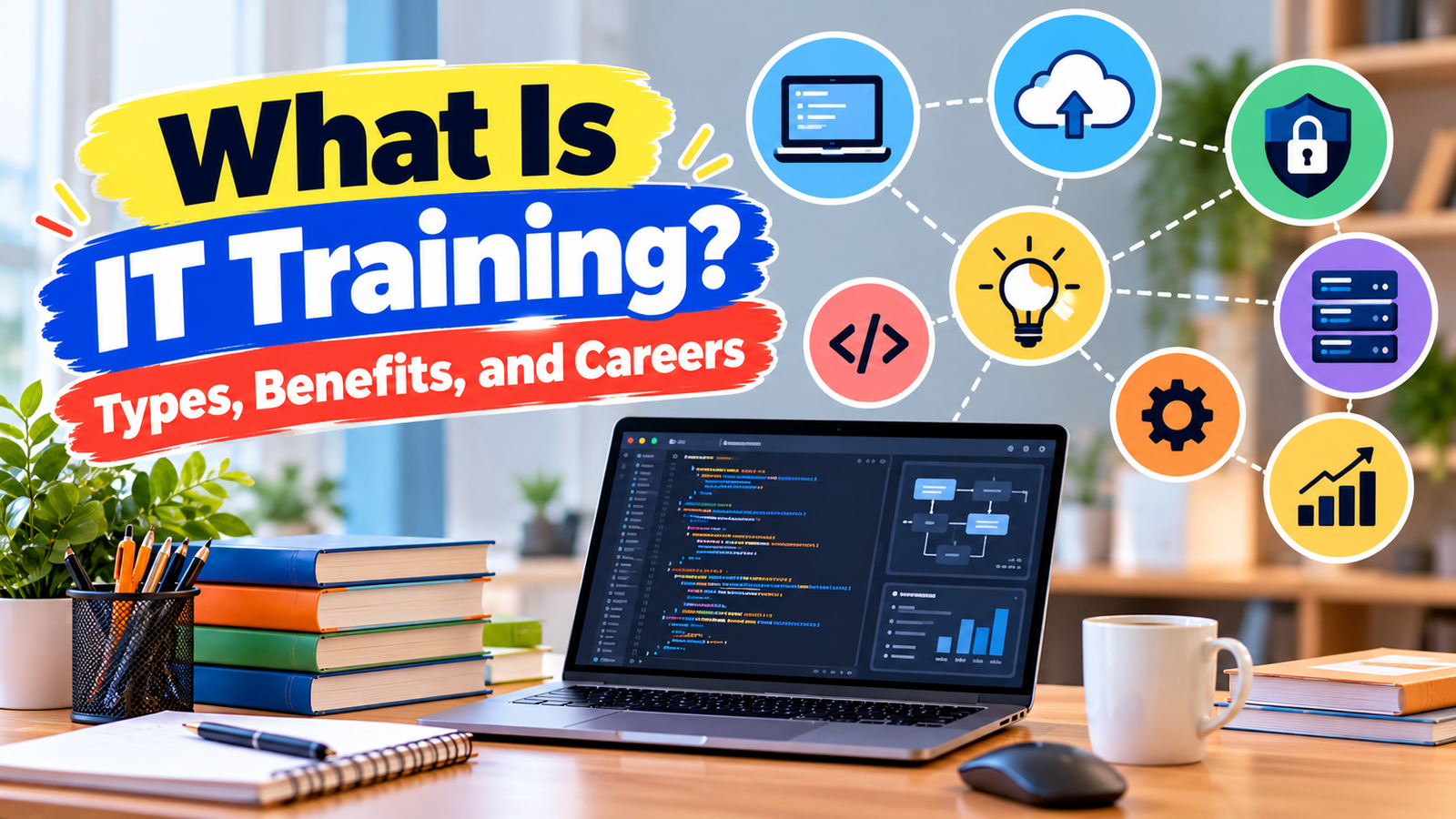
What is IT training? It is learning how to use, fix, and build with technology.
People take it to gain job skills, change careers, or feel more sure with computers.
This guide covers the types, benefits, costs, and the easiest way to start.
What Is IT Training?
IT stands for information technology. That means computers, networks, software, and data.
IT training teaches you how to work with these tools. You might learn to set up a laptop, protect a network, or write simple code. Some people learn at school. Others learn at work or online.
The goal is practical skill. You do not just read about technology. You practice with it.
People use IT training for many reasons. Some want a new job. Some want to do their current job better. Others just want to feel more comfortable with the devices they use every day.
IT training can be short or long. One class may take a few hours. A full program may take months. Quality, cost, and goals differ from one provider to the next, so it helps to look closely before you pick.
Why Is IT Training Important?
Almost every workplace uses technology now. Email, shared documents, video calls, and online tools are part of daily work. People who know how to use them well can often get tasks done faster.
IT training also helps with career growth. Many jobs ask for some tech skill, even jobs that are not in the tech field. Learning more can open doors, but no course can promise a job, a raise, or a certain salary.
Technology also changes fast. New tools show up all the time. Training helps you keep up, so new software feels less scary. If you want a simple plan for how to improve technical skills, regular practice and a clear goal are a good place to start.
What Are the Different Types of IT Training?
IT is a big field. There are many types of IT training, and each one covers a different set of skills. Here are eight common ones.
1. Computer and Basic IT Training
This type covers the basics. You learn how to use a keyboard and mouse, manage files, send email, use the internet safely, and work with common programs.
It is a good fit for people who are new to computers. It also helps older learners and anyone returning to work after a break.
2. Networking Training
A network is a group of devices that share information, like the Wi-Fi at home or the system in an office. Networking training teaches how these connections work and how to set them up and fix them.
It may suit people who like solving puzzles and want to work with the systems that keep offices online.
3. Cybersecurity Training
Cybersecurity means protecting computers, accounts, and data from attackers. You may learn about strong passwords, scams, and how to spot weak points in a system. If you want a closer look, read what is cybersecurity training.
This type may suit people who are careful, curious, and like finding problems before they grow.
4. Programming and Software Development Training
Programming means writing instructions that tell a computer what to do. Software developers use these instructions to build apps, websites, and tools.
This path may suit people who enjoy logic and creating things. Many beginners start with one language and build small projects. A guide on how to learn coding for beginners can help you take the first steps.
5. Cloud Computing Training
Cloud computing means using servers on the internet instead of a machine in your own office. Companies use it to store files, run apps, and share data.
Training covers how to set up and manage these online services. It may suit people who want to work with modern business systems. If this sounds interesting, look into how to learn cloud computing.
6. Data Analytics Training
Data analytics is the work of studying numbers and facts to find useful patterns. You may learn spreadsheets, charts, and tools that help sort large amounts of information.
It may suit people who like numbers and want to help teams make better choices. A simple guide to how to learn data analytics can show where to begin.
7. IT Support and Help Desk Training
Help desk workers help people fix tech problems, like a locked account or a printer that will not work. Training covers troubleshooting, which means finding the cause of a problem step by step, and how to explain fixes in plain words.
Many beginners find this a friendly place to start, since it builds both technical and people skills.
8. Database Management Training
A database is an organized place to store information, like customer lists or order records. Database training teaches how to set one up, keep it safe, and find data fast. You may hear about SQL, a common language used to ask databases questions.
It may suit people who like order and detail.
What Are the Benefits of IT Training?
The benefits of IT training depend on the person, but here are the common ones.
Skill growth. You learn how to do real tasks. For example, you might build a simple spreadsheet report or set up a home network.
More confidence. When you know how a tool works, you stop fearing it. You click, test, and learn instead of waiting for help.
Better problem solving. Tech work often means finding why something broke. With practice, you learn to check one thing at a time and narrow it down.
Career preparation. Training can show you what a job involves before you apply. It can also help you build projects to show in an interview. Many professional training courses also teach workplace habits, like documenting your work.
Training does not guarantee results. But it gives you a stronger base to build on.
Is IT Training Suitable for Beginners?
Yes. Many programs are made for people with no tech background. Beginner courses start with the basics and move forward slowly.
A few basic computer skills can help you get ready:
- Typing at a comfortable speed.
- Opening, saving, and finding files.
- Using a web browser and email.
- Knowing how to download and install a simple program.
- Keeping passwords safe.
You do not need to know all of these before you begin. A good beginner course will teach them. If you want to see where a full path could lead, read about how to start a career in IT.
Start small. Pick one skill, practice a little each week, and add more when you feel ready.
Online IT Training vs. Classroom Training
Both ways can work well. The best one depends on you.
- Flexibility. Online courses let you learn at night or on weekends. Classroom courses have set times.
- Learning environment. Online learning happens at home. Classrooms give you a shared space and face-to-face contact.
- Practical exercises. Both can include hands-on work. Check what each course offers. Some online courses use virtual labs. Some classrooms have real equipment.
- Instructor access. In a classroom, you can ask a question right away. Online, you may use email, forums, or scheduled calls, and this varies by provider.
- Cost. Prices vary a lot. Some online options are free or low cost, while others cost more. Classroom programs often include fees for space and materials, but not always.
Neither option is always better. Think about your schedule, budget, and how you like to learn. If you are leaning online, the benefits of online learning are worth a read. For help staying on track, see these online learning tips for beginners.
How to Choose the Right IT Training Course
With so many choices, a simple checklist helps. Use these steps.
- Check the course content. Does it cover the skills you want? Read the lesson list, not just the title.
- Look at the instructor. See their work history or teaching background.
- Look for hands-on projects. Real practice teaches more than reading alone.
- Read the requirements. Some courses need basic skills first. Others start from zero.
- Read reviews. Look for honest comments from past learners on more than one site.
- Compare the cost. Check what is included, like exam fees, books, and software.
- Check certification details. Find out what you get at the end.
This last point matters. A completion certificate shows you finished a course. A professional certification usually means you passed an exam from a testing group. They are not the same. Not every course leads to a recognized certification, and recognition varies by provider.
If certification is your goal, check the official websites of groups that run them, such as CompTIA, Cisco, Microsoft, and Amazon Web Services. A guide to IT certifications for beginners can help you compare your options. You can also read how to choose an online course for more tips, or browse the best online IT courses for beginners.
Are IT Training Courses Worth It?
It depends on your goals. A course that is worth it for one person may not fit another.
Ask yourself a few questions:
- What do I want to do after this course?
- How many hours can I give each week?
- What is the full cost, including exams and tools?
- Will I get to practice real tasks?
- Does the content match what employers or schools in my area ask for?
Time matters as much as money. A cheap course you never finish is not a good deal. A costly course with no practice may not help either.
Try a free lesson or a short intro class first. If you enjoy it and learn something useful, you can move to a longer program.
How to Start IT Training With No Experience
You can begin even if you have never worked in tech. Follow these steps.
- Pick an area that interests you. Read the types above. Which one sounds fun?
- Learn the basics first. Practice typing, file handling, and safe web use.
- Choose a beginner course. Look for one that starts from zero and has hands-on tasks.
- Set a weekly schedule. Even 30 minutes a few days a week adds up.
- Practice every time you learn something new. Try it on your own computer.
- Build small projects. You could make a simple web page, set up a home network, or create a spreadsheet report.
- Keep notes. Write down what you learned and what confused you.
- Ask questions. Use course forums, study groups, or tech communities.
- Review your goals. After a few weeks, decide if you want to go deeper, switch topics, or aim for a certification.
Frequently Asked Questions
What does IT training mean?
IT training means learning skills for working with computers, networks, software, and data. It can teach you to use tools, fix problems, protect systems, or build programs.
What are examples of IT training?
Common examples include basic computer classes, networking, cybersecurity, programming, cloud computing, data analytics, help desk support, and database management.
Can I learn IT skills without experience?
Yes. Many courses are made for beginners and start with simple lessons. You can build up step by step with regular practice.
How long does IT training take?
It depends. A short class may take a few hours or days. A longer program can take several months or more. Your pace and the course design both matter.
Do IT training courses provide certificates?
Some do, but not all. A completion certificate shows you finished the course. A professional certification usually needs a separate exam. Check the details before you sign up.
Which IT training is best for beginners?
Basic computer training and IT support training are common starting points. The best choice depends on your interests and goals, so try a short intro lesson in a few areas.
Is online IT training effective?
It can be, especially when it includes hands-on practice and you study on a regular schedule. Quality varies by provider, so check the course content and reviews first.
What skills do I need before starting IT training?
Basic typing, file handling, and web browsing are useful. Many beginner courses teach these as part of the lessons, so you do not need to be an expert.
Final Thoughts
IT training helps you learn how to use, fix, and build with technology. It covers many areas, from basic computer skills to cybersecurity, cloud computing, and data work. It can build skill, confidence, and problem solving, but it does not guarantee a job or a raise.
Pick a path that matches your interests, your current skills, and your goals. Start with one small step this week. Try a free lesson, read a course outline, or practice a basic skill. Then build from there.